Earn Rewards for Recycling E-Waste with Riiicycle
Recycle your e-waste through our designated E-Waste Bins and earn Riiipoints by following these simple steps:
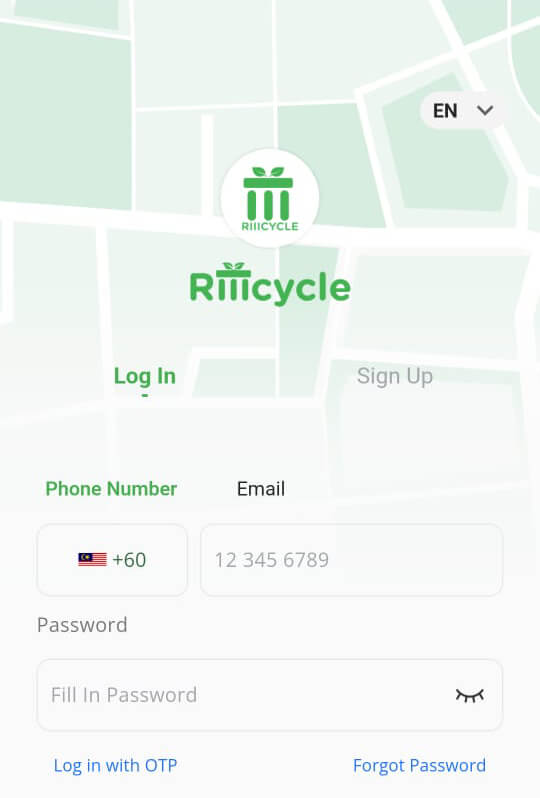
Download, Register & Login
Download, register, and install the Riiicycle app, then log in to your account.
Use the App Store or Google Play Store links below to download


Use the App Store or Google Play Store links below to download
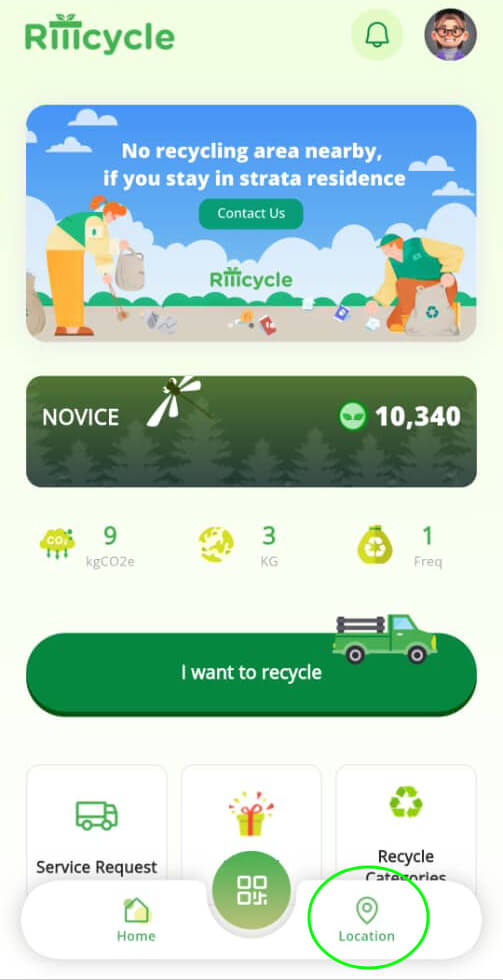
Search Nearby E-Waste Bin
Use the location feature and google maps to find the nearest E-Waste Bin.
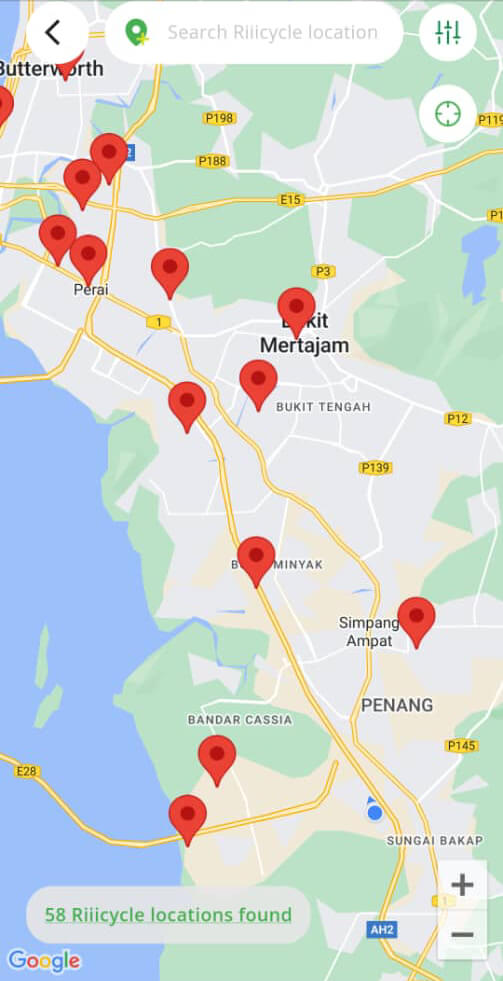
** Remember to always check with the operating hours before dropping by to avoid disappointment
Bring your e-waste to designated bin
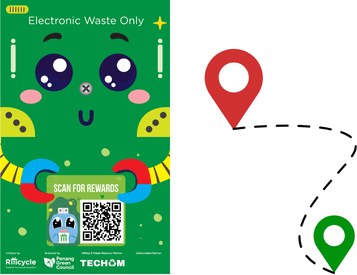
** Remember to always check with the operating hours before dropping by to avoid disappointment
Use the Snap & Throw Feature
Select I want to Recycle and select the Snap & Throw option
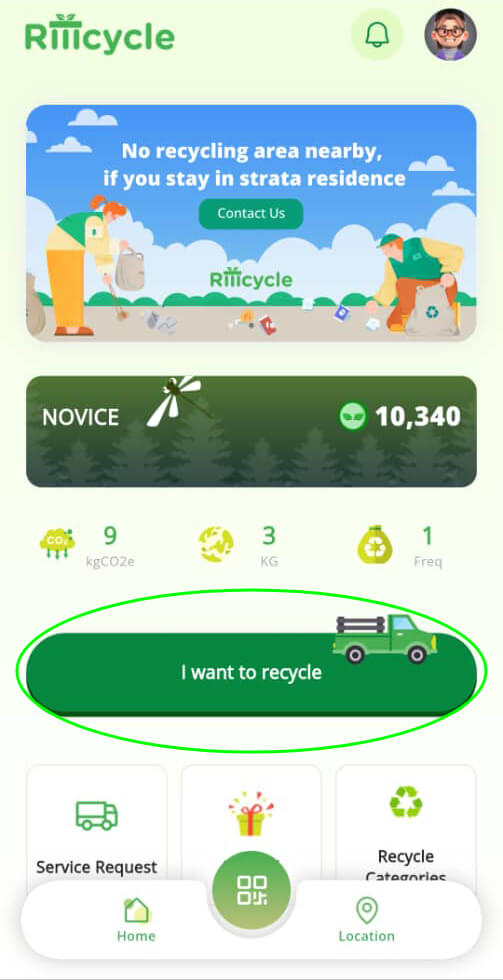
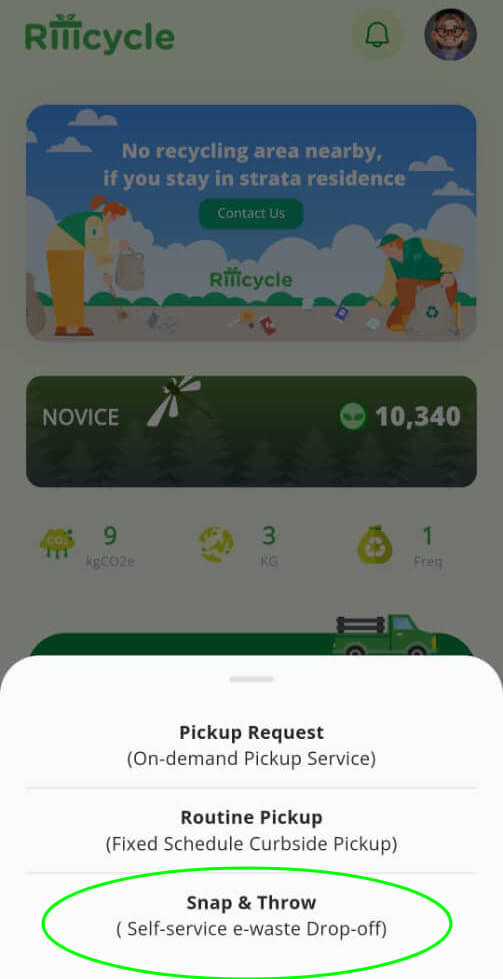
Proceed on by following the screen instructions.
Select the correct Bin
Key in the E-waste Bin Location by Name and click on it
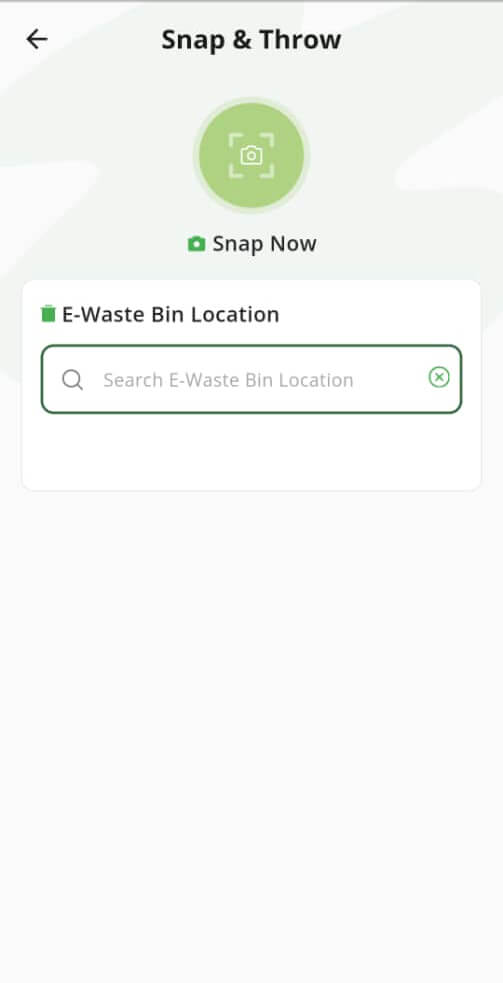
Upload your e-waste
Click on the Choose File and take a video of the e-waste you want to recycle.
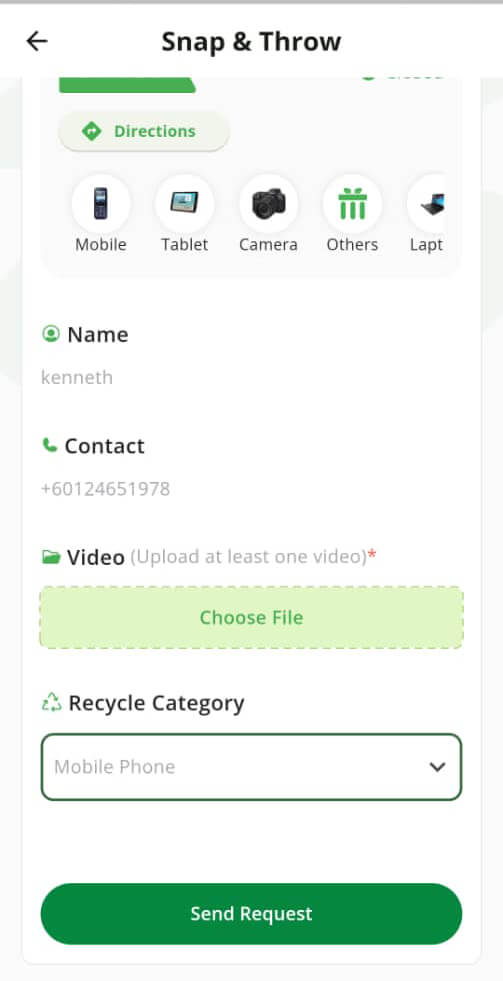
** Ensure that all recyclables are clearly visible when taking the video before dumping into the bin
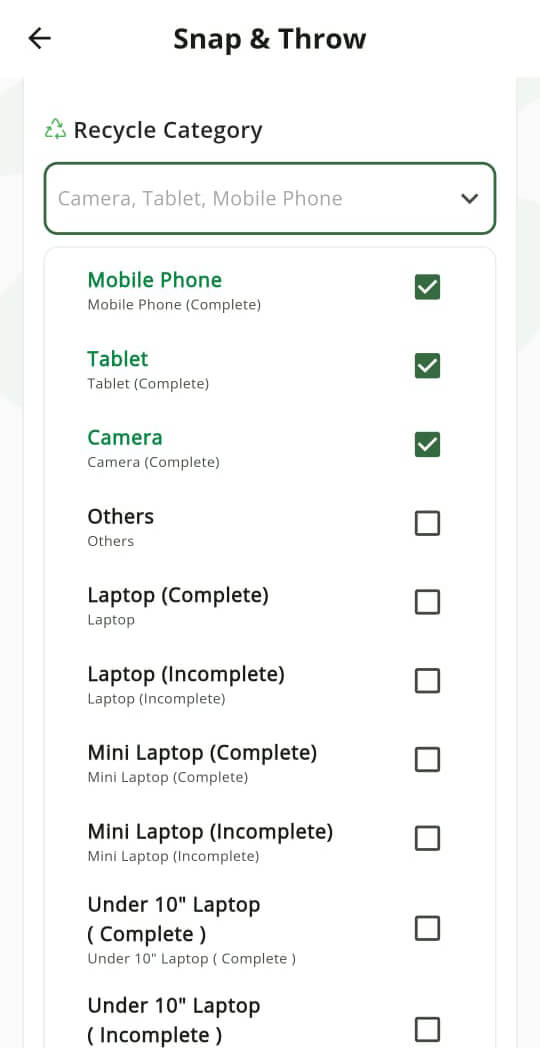
Select Your Recycle Categories & submit
Choose the correct E-Waste category, fill in details of your items, and submit
Track your Request
You may view the status of your submission via Service Request on the Homescreen
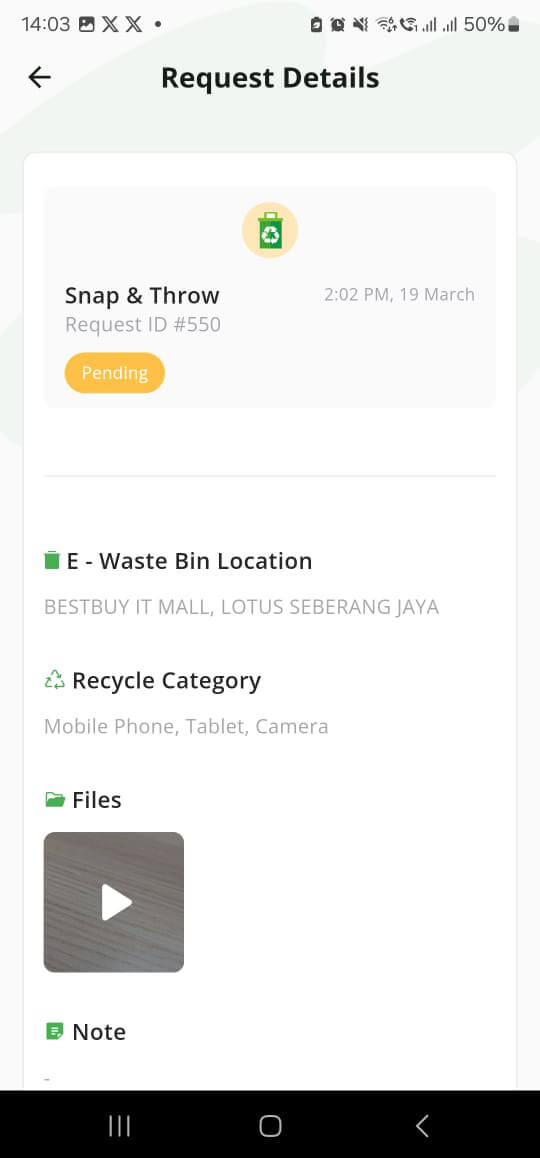
Our Team will review the submission and your request will be completed within 1 - 3 working days
Enjoy your Riiipoints & Redeem Rewards
Your Riiipoints will be credited to your account upon successful completion of your request